Manage multiple users’ time tracking settings
1 min read
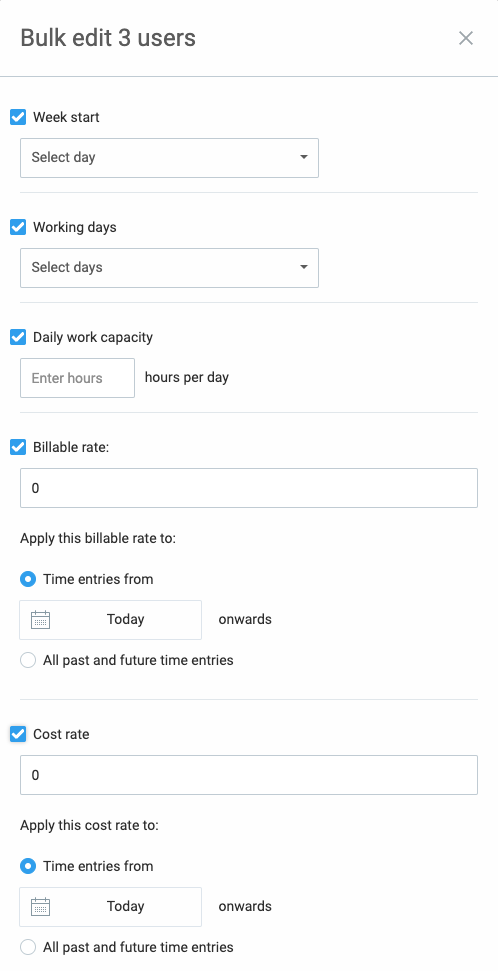
As an admin or owner, you can manually input time for your team and edit other settings related to time tracking. To save time and avoid doing it manually for each individual, you can do it in Bulk edit.
Bulk edit can be performed on any paid plan. However, if you are on a PRO plan and therefore have custom fields and cost rate available, you will be able to see and edit these properties.
To update multiple members’ time tracking settings, follow these steps:
- Go to the Team page
- In Members tab select team members whose settings you wish to update
- Once selected, click Bulk edit at the top
- Select which properties you wish to update and set new values
- Click Save to update all selected members with new values
Only admins and owners can perform this action.
Was this article helpful?
Thank you! If you’d like a member of our support team to respond to you, please drop us a note at support@clockify.me