
Alex Beadon
Founder of Together We Launch
"We use Clockify to see where our time is going and how to solve any problems. It’s just so beneficial."
More stories

Find new apps that fit you team's needs
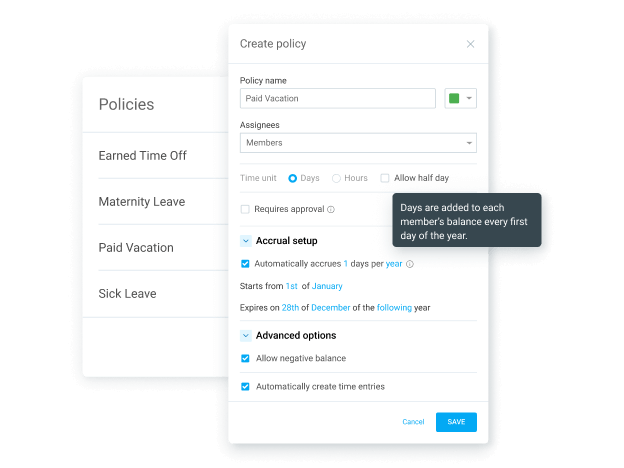
Define your own set of time off policies.
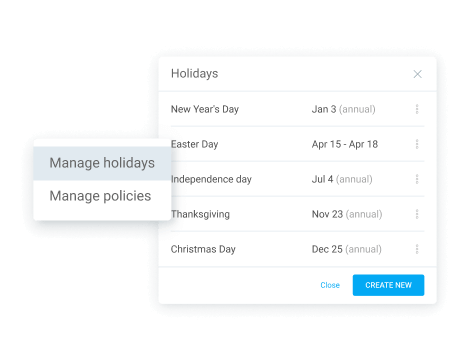
Auto-import country-specific holidays.
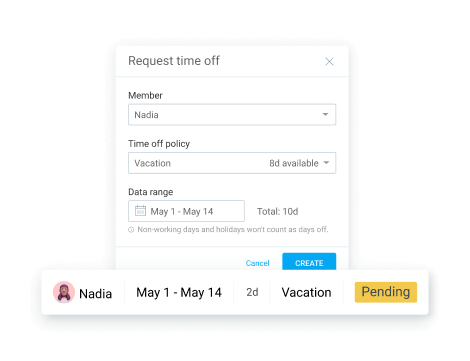
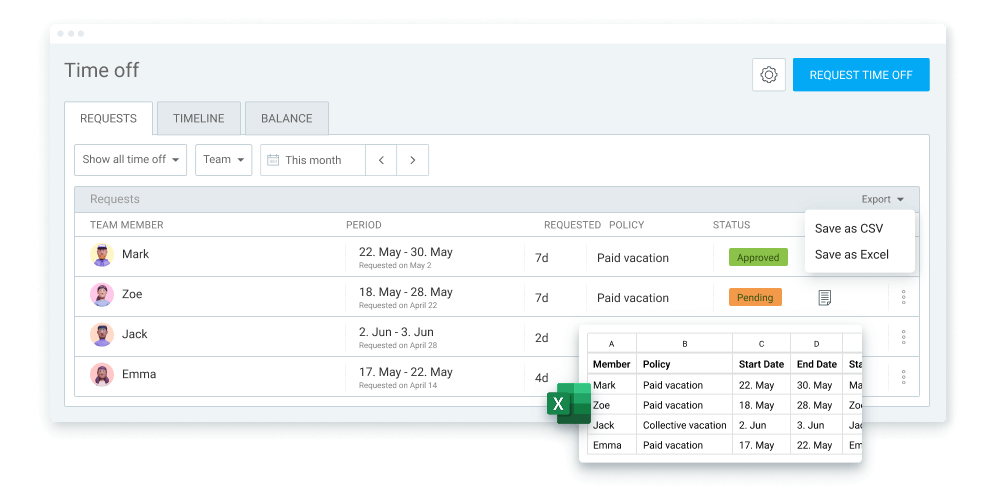
Request and approve time off requests.
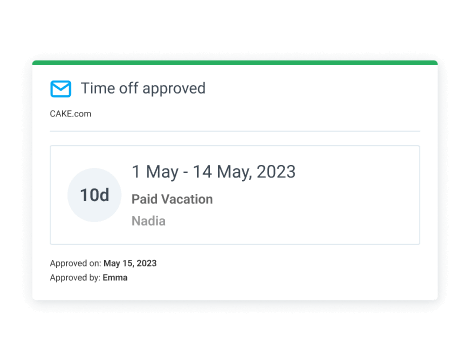
Get email notifications for requests.
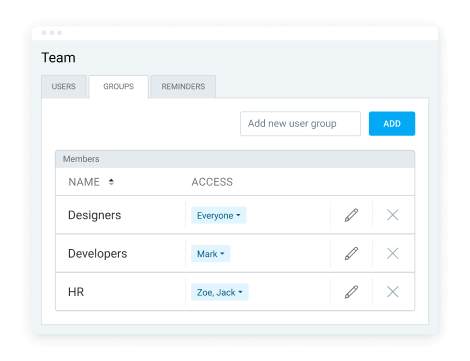
Assign users to groups for easier management.
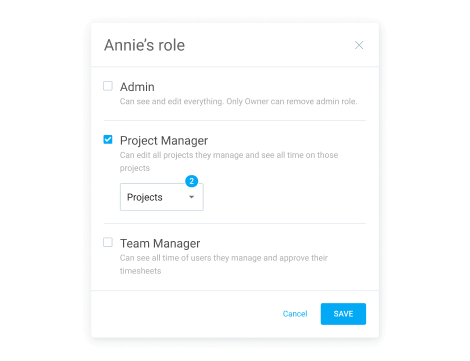
Allow managers to approve their team’s time.
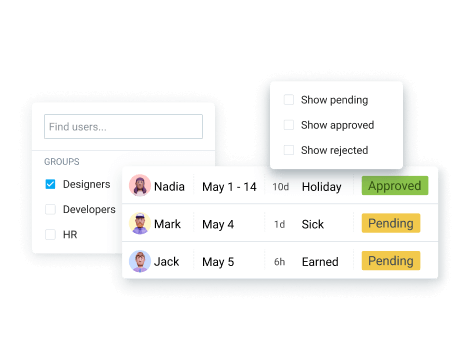
Quickly find particular requests.
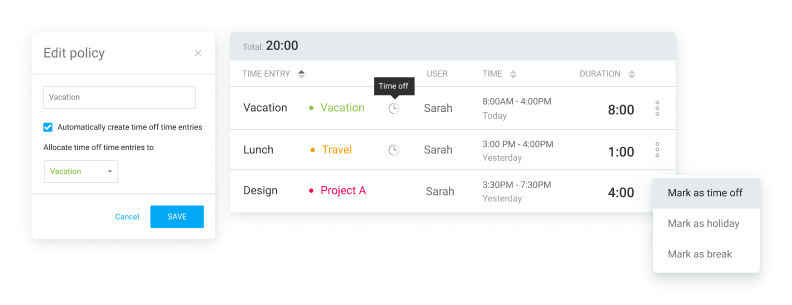
Create time entries from time off requests so they appear in time reports.
Get all balances and requests in CSV & Excel.
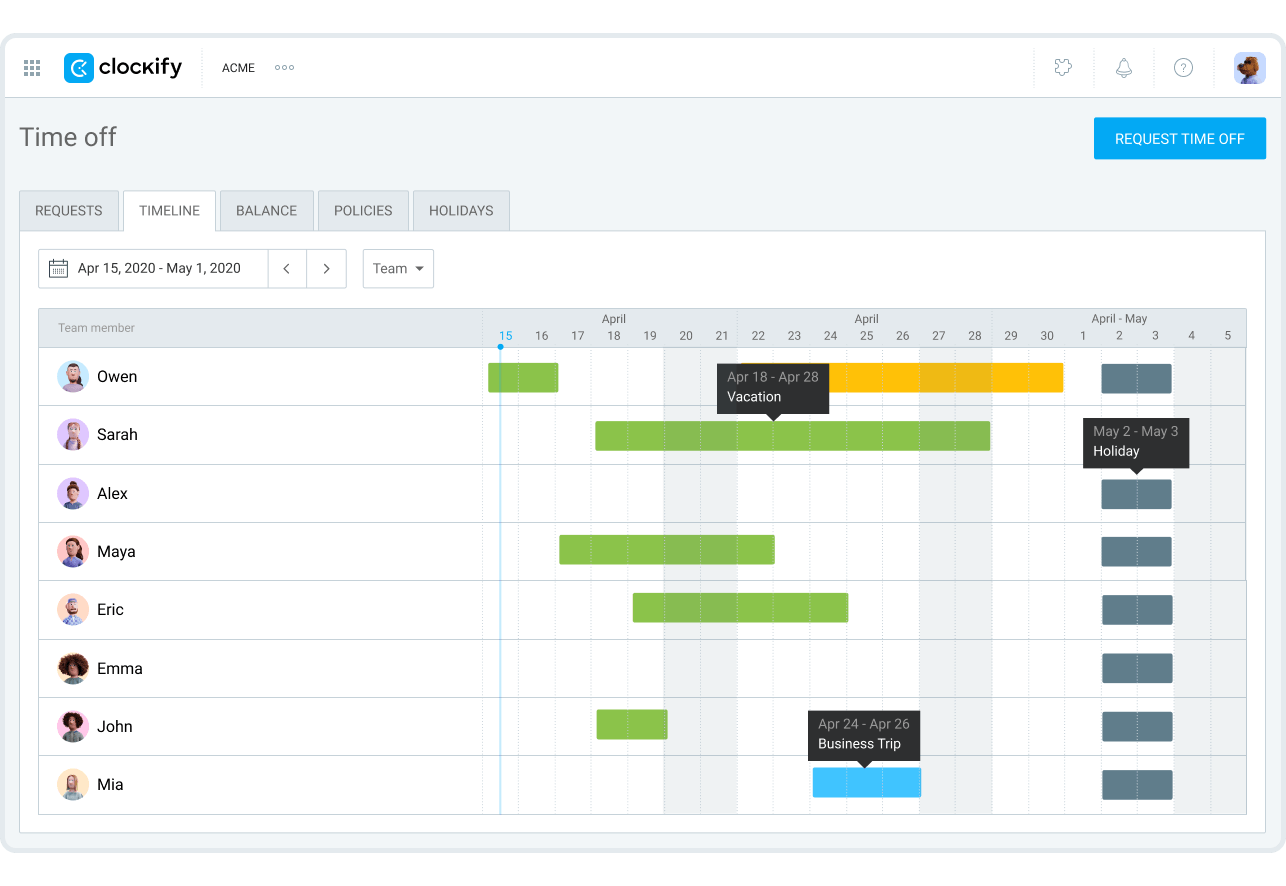
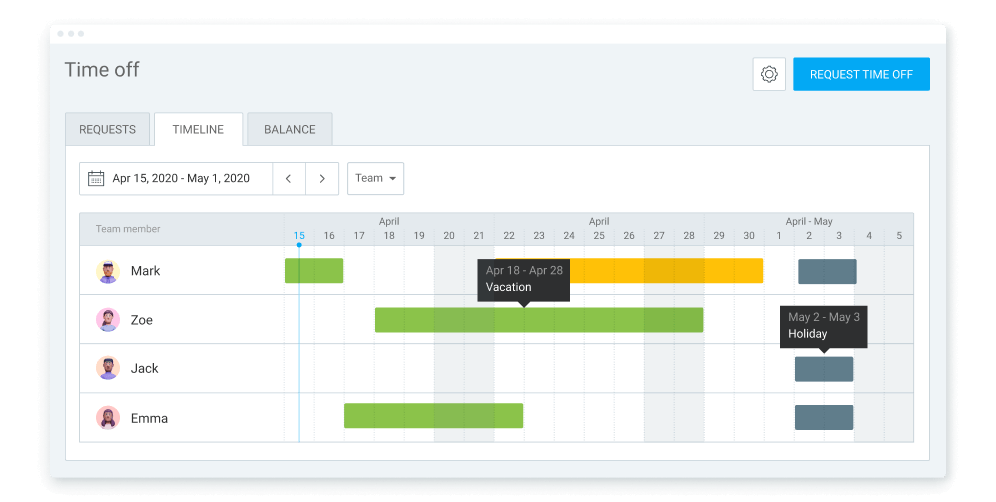
See who’s away and when on a timeline.
Manage team's time off balance and accruals.
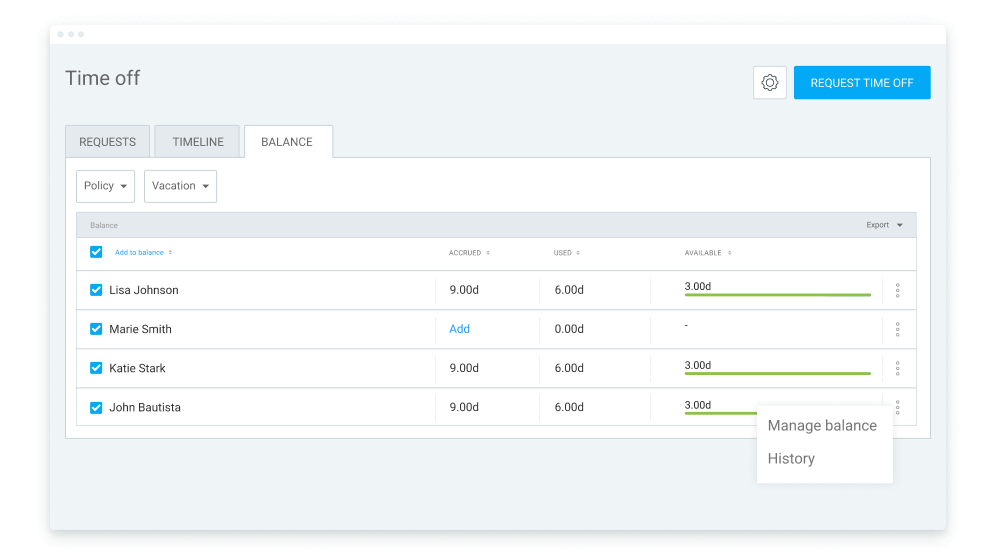
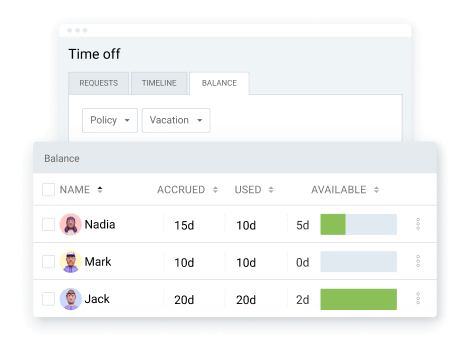
See accrued vs spent time off by user or policy.
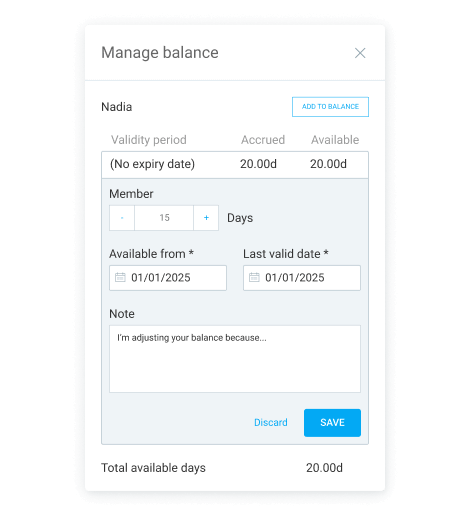
Set balance validity dates for time off policies.
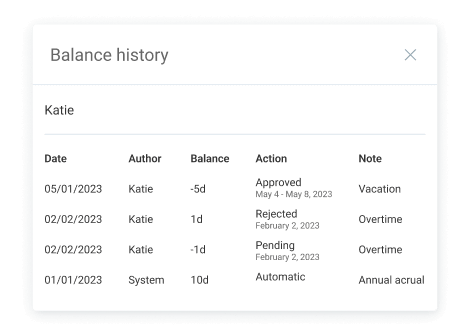
A detailed log of all balance changes.
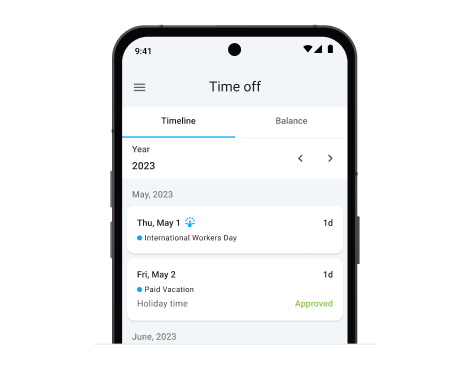
Request time off and see Holidays via mobile.
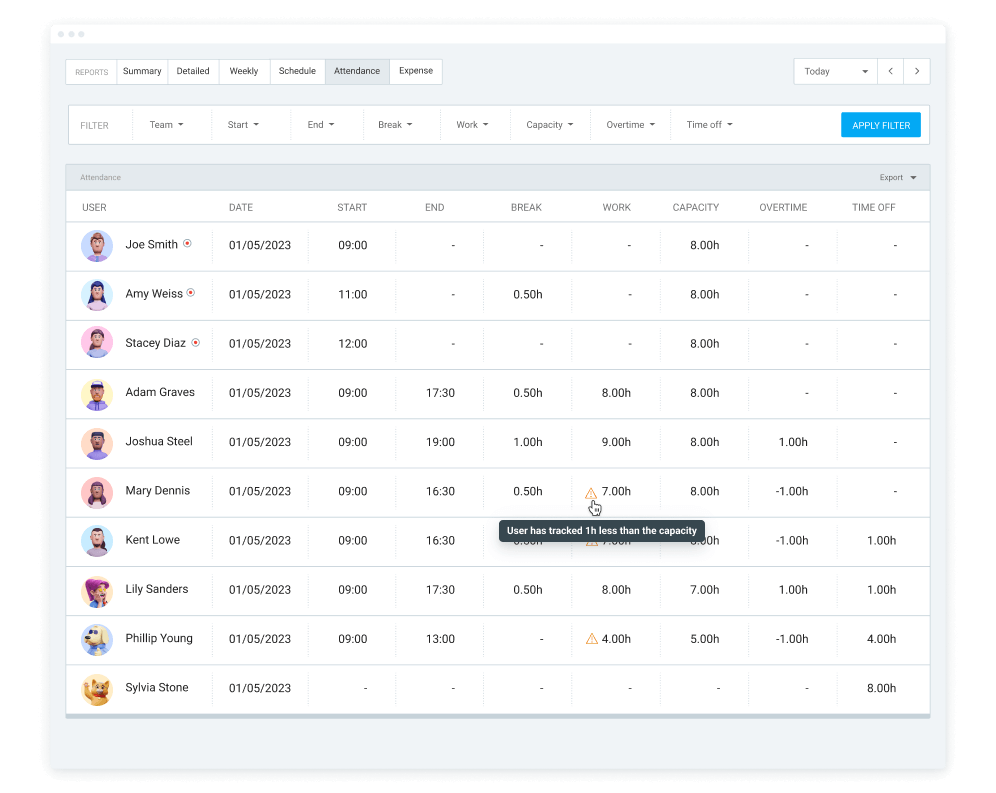
See daily hours, breaks, overtime, and time off.
Quickly start and stop the timer using keyboard shortcuts.
Disable manual mode and require everyone in your team to track time using a timer.
Connect Clockify with Google or Outlook calendar and track time from events.
Group similair entries or see everything in chronological order.
Change the start time of your running timer when you start it too late.
Add additional information to users and define their working days.
Get notified when you have a timer that’s been running for over 8 hours.
Clock out team member yourself when they forget to stop their timer.
Get notified when a member tracks too much time.