

Alex Beadon
Founder of Together We Launch
"We use Clockify to see where our time is going and how to solve any problems. It’s just so beneficial."
More stories

Find new apps that fit you team's needs
Track time in Clockify, create an invoice, and send it via Peppol integration — one workflow, full compliance.
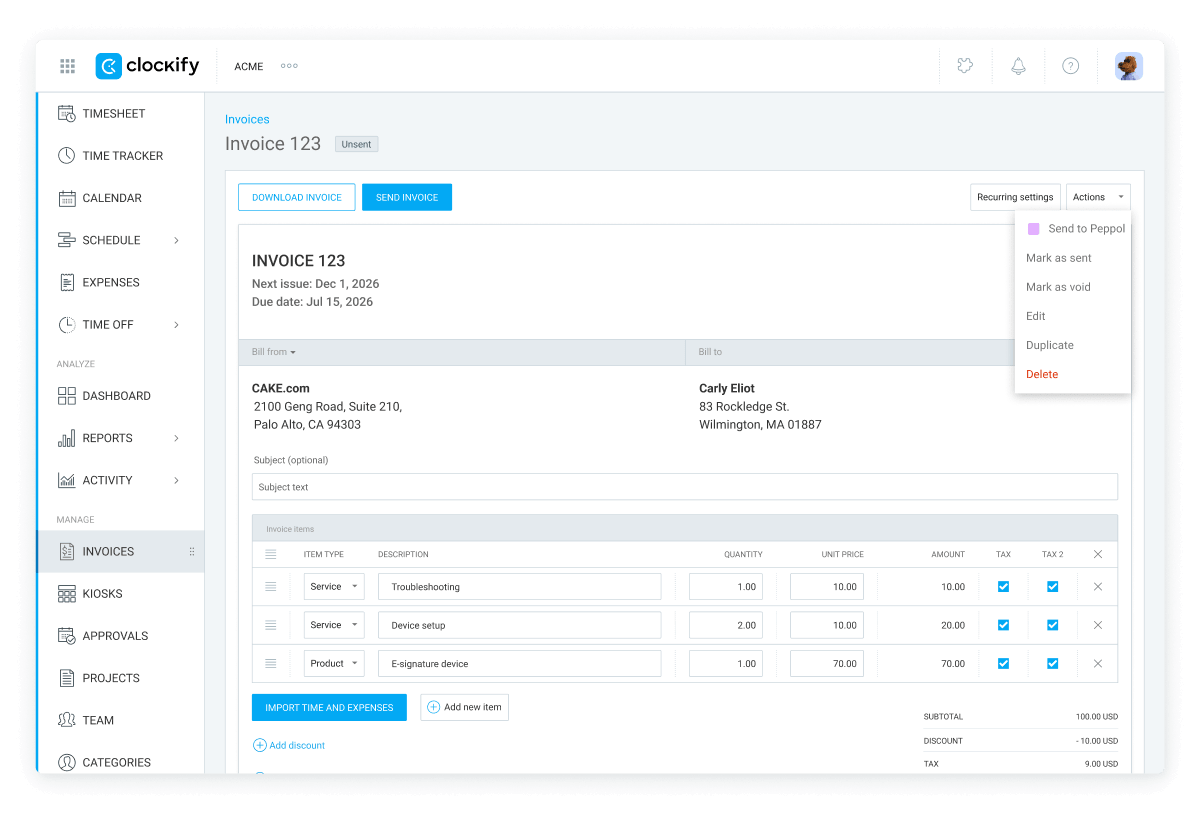
How the Peppol integration helps you streamline invoicing.
Every invoice you send via Peppol in Clockify is formatted to the EU-required BIS 3.0 standard to stay secure, standardized, and compliant.
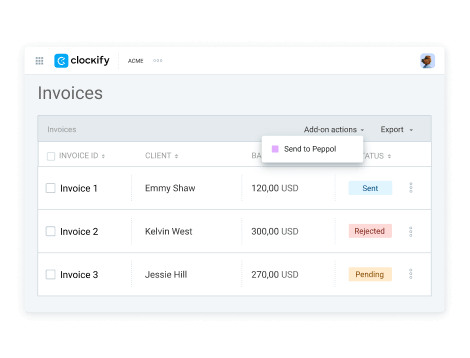
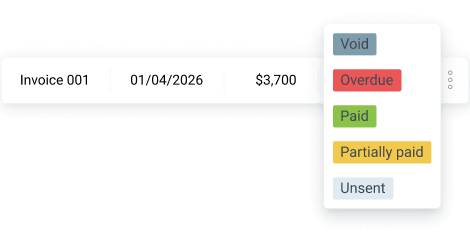
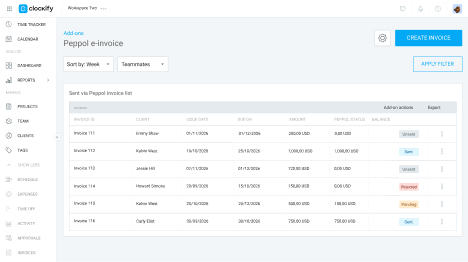
The Sent invoices tab gives you a full history of everything you’ve sent, without the need to switch tools.
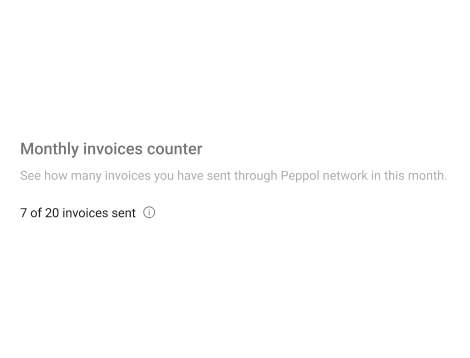
A monthly invoice counter in the add-on settings shows exactly how many e-invoices you’ve sent within your plan limit.
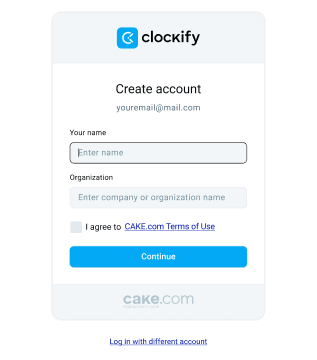
To connect these two apps, you need to have Clockify and Peppol accounts.
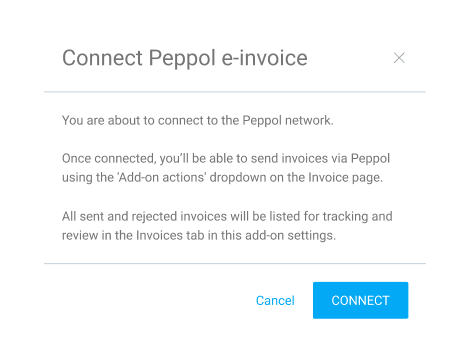
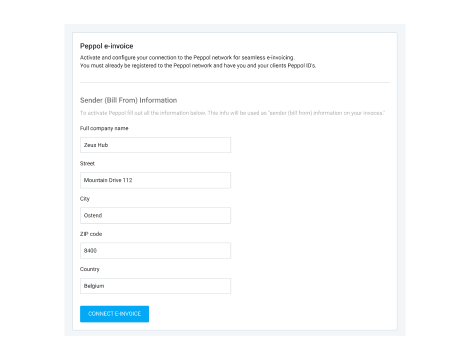
Add information about your company, like address, tax ID, etc. that Peppol will use as sender info on your invoices.
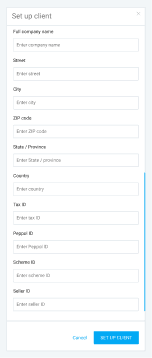
Add a Peppol ID to each of your Clockify clients to make sure they can properly sync between the apps.
Open any invoice in Clockify, click Send via Peppol, and you’re done.
