
Alex Beadon
Founder of Together We Launch
"We use Clockify to see where our time is going and how to solve any problems. It’s just so beneficial."
More stories

Find new apps that fit you team's needs
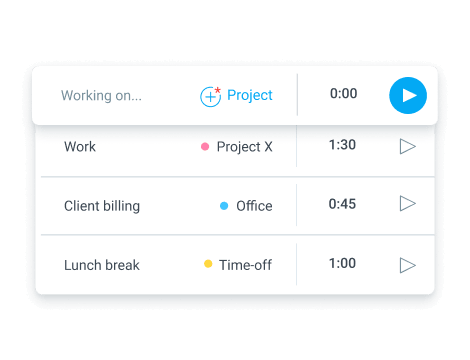 Time tracking
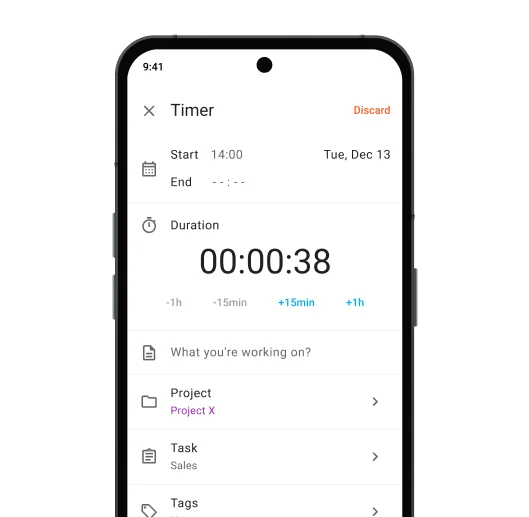
Track time directly in the Clockify app using a manual timer or stopwatch.
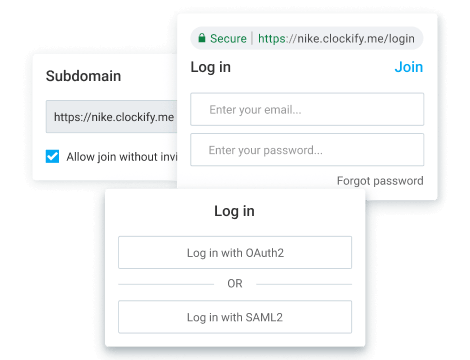 SSO Login
Secure your entire team’s login with SSO using your unique identity provider, e.g., Google.
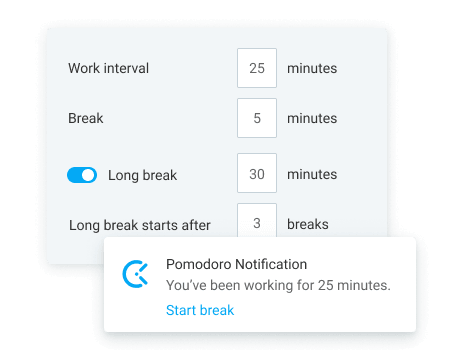 Pomodoro Timer
Use the Pomodoro timer to improve your focus and measure task length with Pomodoro counts.
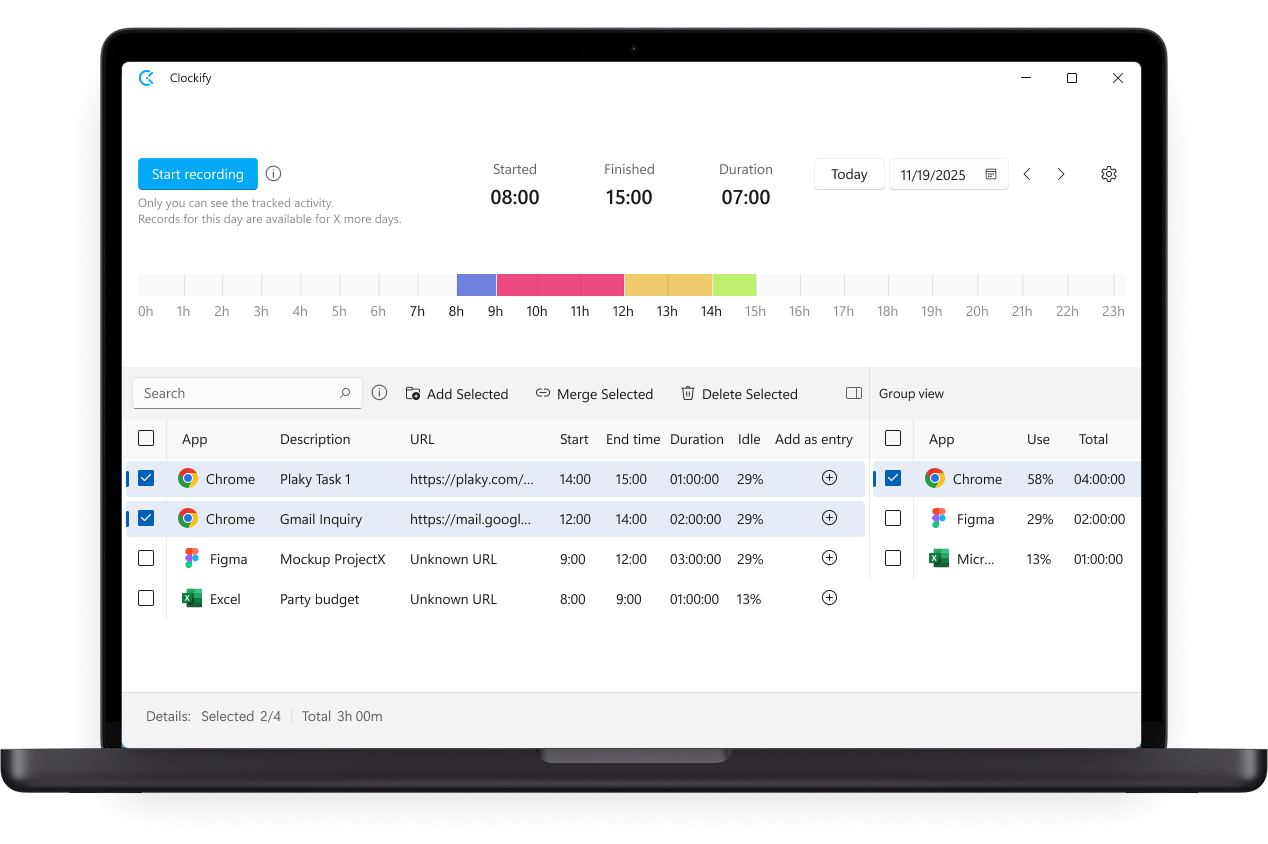
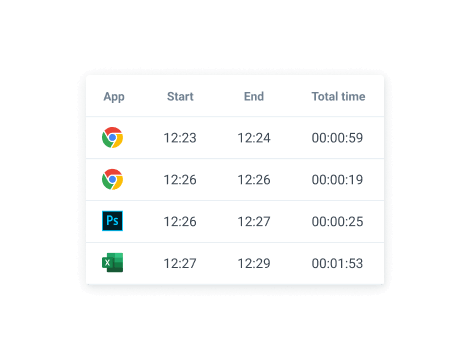 Auto Tracker
Automatically record data and activity so you can monitor your own productivity at a glance.
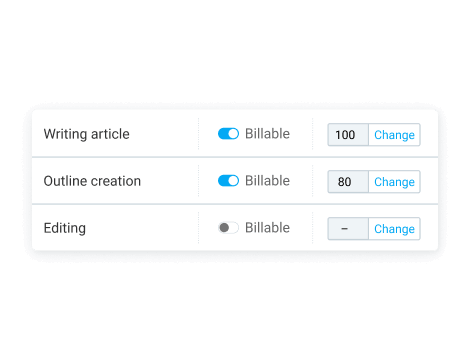 Billable Rates
Use billable rates to calculate the costs or value of your work and invoice clients with ease.
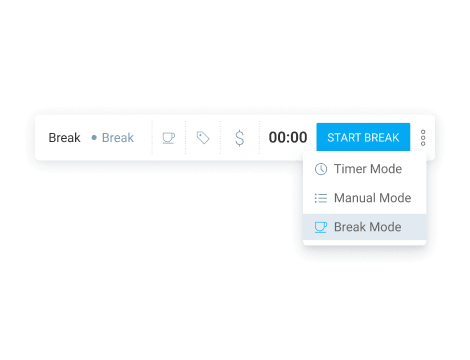 Breaks
Track breaks as separate projects on your timer and manage break entries for added clarity.
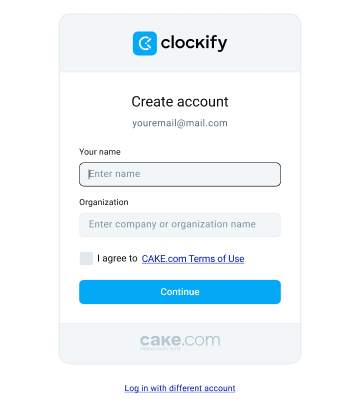
To use the Clockify desktop app, you first need to create an account.
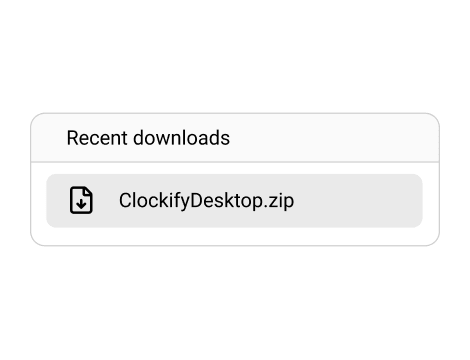
Go to the Windows, Mac, or Linux download pages to get the installation wizard.



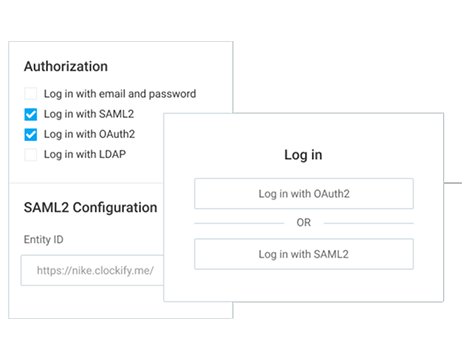
Log into your Clockify desktop app with your email or using Single Sign-On (SSO).
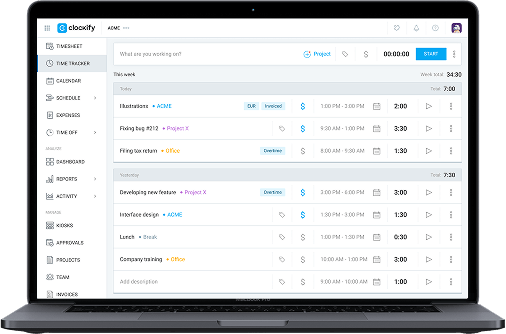
Start using the Clockify desktop app to keep your workdays organized and boost your productivity in no time.
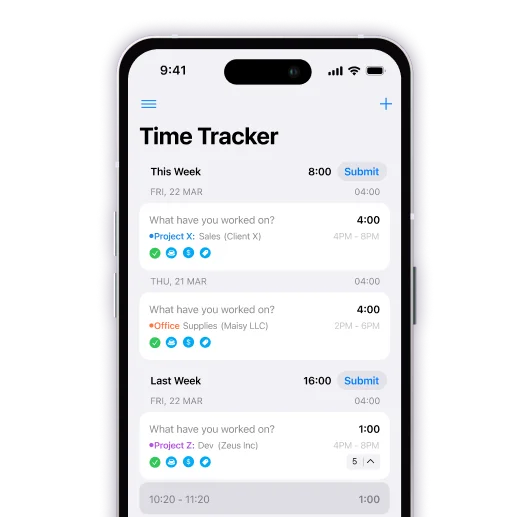
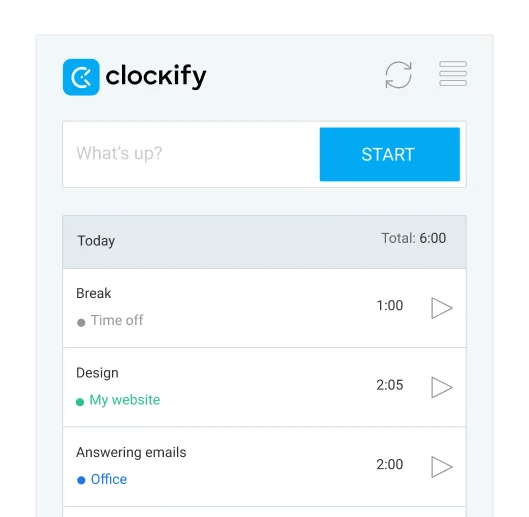
Get Clockify on all devices, and stay in touch with your work, no matter where you are.
Clockify is a desktop app that lets you track productivity by creating time entries on the work that you do and get a visual overview of all previous work you can share with key stakeholders.
Depending on the plan you choose, a Clockify seat can be free, or up to $11.99/month. But, no matter the plan, Clockify is one of the most affordable time tracking solutions.
Each active and invited user on a paid plan requires a paid seat. If you deactivate some user, you free up their paid seat so you can invite a new user. If you buy another seat mid-cycle, you'll be charged a prorated price for that billing cycle.
Absolutely! You can try out all PRO features for free for 7 days, no credit card required. You can activate the free trial on the Upgrade page. If you need more time, be sure to contact our sales team for an extension and a demo.
Simply create a Clockify account and download the desktop app — it’s free!
You can track as much time as you want and invite up to 4 people for free. We also offer support to everyone, regardless of their plan. If you need additional features, you can upgrade at any time.
Key features (like time tracking, custom fields, or billable rates) are available on both the web and desktop apps. Some features, however, are only available on desktop, like the Pomodoro timer or autotracker. Other features, like the timesheet or reports, aren’t available.