
Alex Beadon
Founder of Together We Launch
"We use Clockify to see where our time is going and how to solve any problems. It’s just so beneficial."
More stories

Find new apps that fit you team's needs
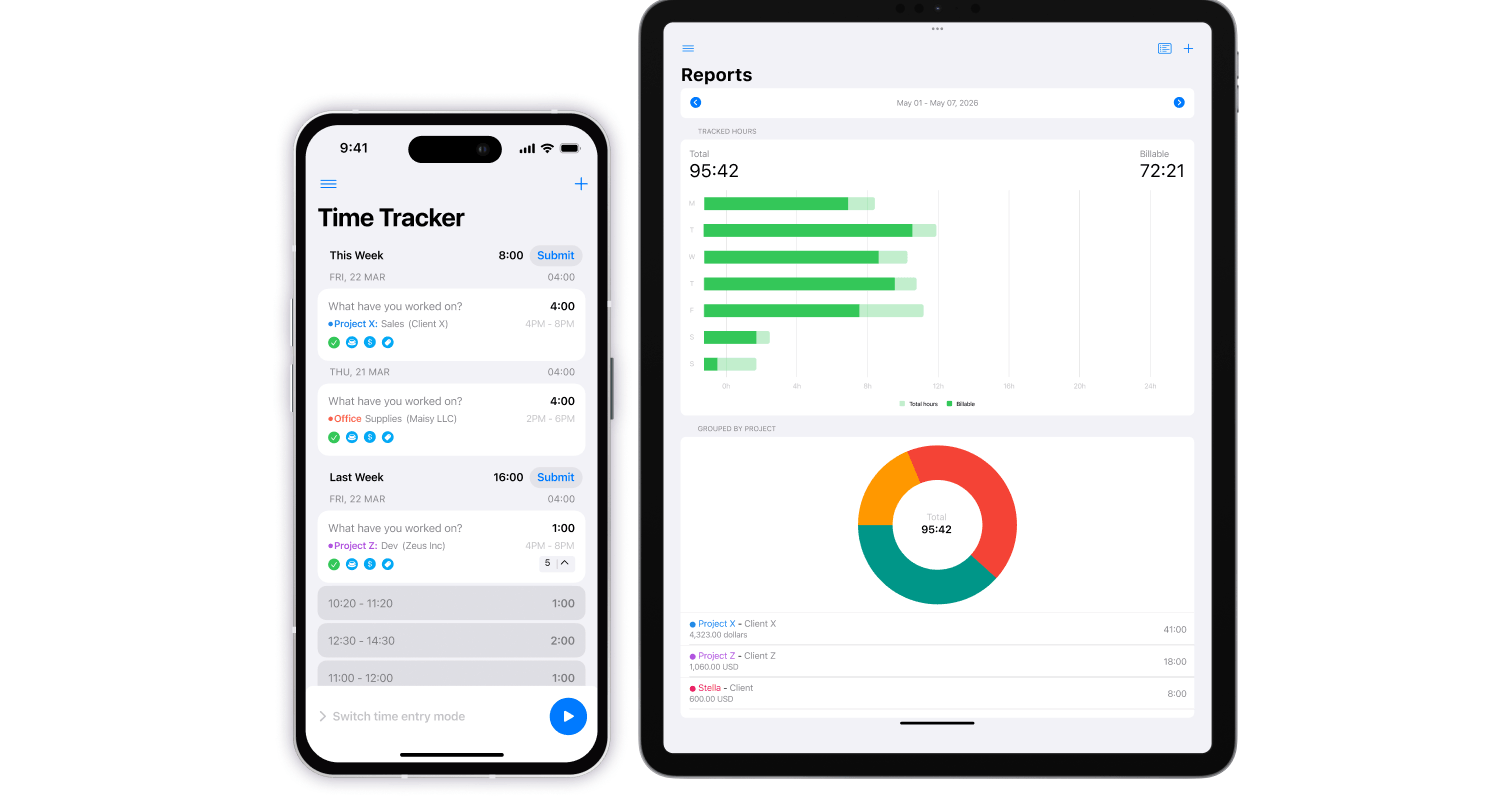
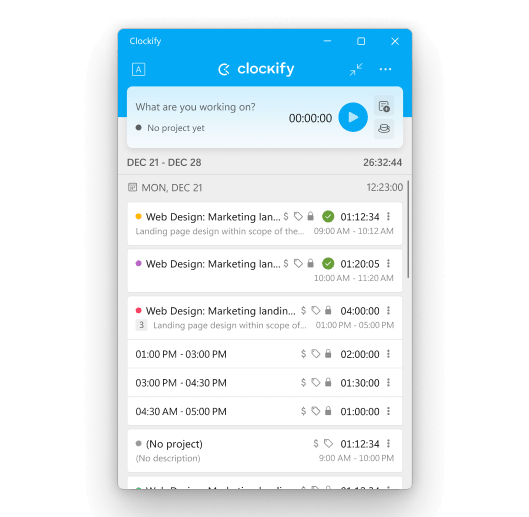
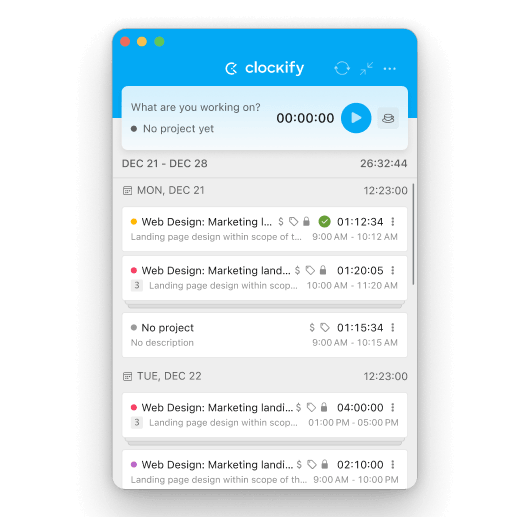
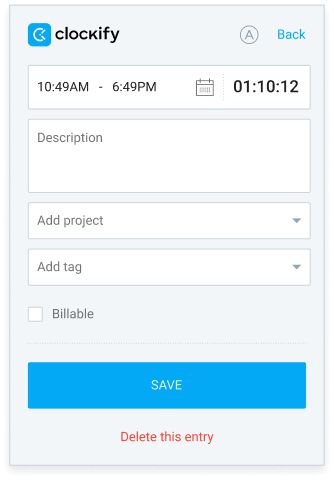
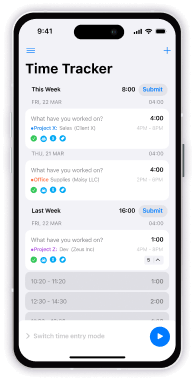 Time tracker
Track time directly in the Clockify app using a manual timer or stopwatch.
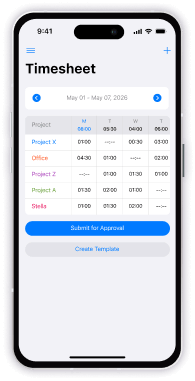 Timesheet
Save time by adding time entries in bulk and submitting them for approval right in your app.
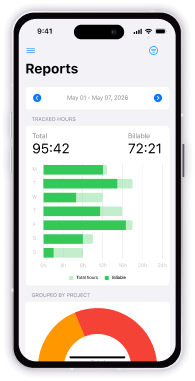 Reports
See what your team has been working on and bill your clients with ease.
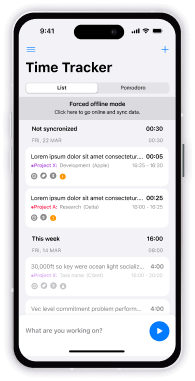 Offline support
Track time while offline, and sync automatically as soon as you’re reconnected.
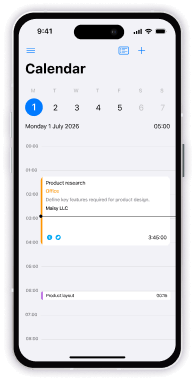 Calendar
Connect your calendar to track days in advance and know which tasks you have planned.
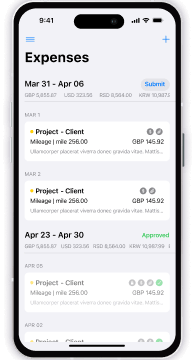 Expenses
Add expenses to timesheets to boost clarity and streamline your budget.
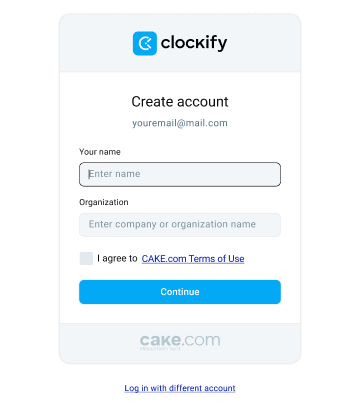
To use the Clockify mobile app, you first need to create an account.
Install Clockify from your mobile app store. Check out the Android download page or the iOS download page to learn more.


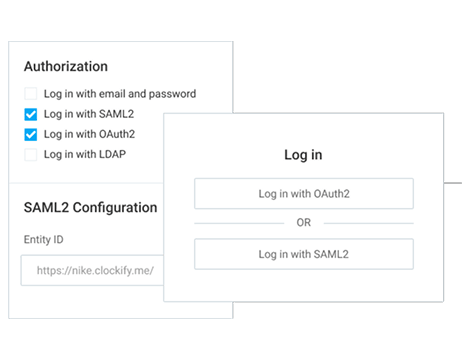
Log into your Clockify mobile app with your email or using Single Sign-On (SSO).
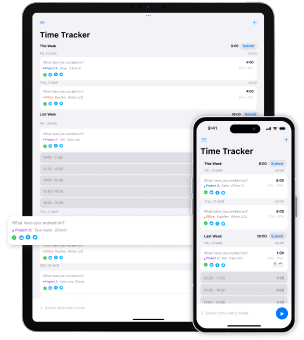
Start using the Clockify mobile app to keep yourself efficient and stay in touch with your work with minimal effort.
Get Clockify on all devices, and stay in touch with your work, no matter where you are.
Absolutely! You can use Clockify on both Android and iOS, even on the free plan.
Each active and invited user on a paid plan requires a paid seat. If you deactivate some user, you free up their paid seat so you can invite a new user. If you buy another seat mid-cycle, you'll be charged a prorated price for that billing cycle.
Absolutely! You can try out all PRO features for free for 7 days, no credit card required. You can activate the free trial on the Upgrade page. If you need more time, be sure to contact our sales team for an extension and a demo.
You can track as much time as you want and invite up to 4 people for free. We also offer support to everyone, regardless of their plan. If you need additional features, you can upgrade at any time.
Key features (like time tracking, custom fields, or billable rates) are available on both the web and desktop apps. Some features, however, are only available on mobile, like the Pomodoro timer or offline support. Other features, like the dashboard or team management, are only available on the web app.