

Alex Beadon
Founder of Together We Launch
"We use Clockify to see where our time is going and how to solve any problems. It’s just so beneficial."
More stories

Find new apps that fit you team's needs
Track time and projects, manage and export reports, and get enterprise-grade security with Clockify — a free eBillity alternative.



What is Clockify? (11:05)

 |  | |
|---|---|---|
| Pricing | Starts at $3.99 | Starts at $11.20 |
| Free plan | ✓ | |
| Time clock | ✓ | $ |
| Time clock kiosk | $ | $ |
| Pomodoro timer | ✓ | |
| Reports | ✓ | $ |
| Download reports as PDF | ✓ | $ |
| Scheduling | $ | $ |
| GPS tracking | $ | $ |
| Invoicing | $ | $ |
| 24/7 customer support via phone | ✓ | $ |
| API | ✓ | ✓ |
Import time entries, tasks, projects, and clients from eBillity to Clockify, and continue tracking your time for free.
As a billing and time tracking alternative, Clockify offers an unlimited number of projects and up to 5 users on the FREE plan. No hidden costs or price increase without notice.
Clockify is an easy-to-use time tracker for businesses of all sizes — from small to medium.
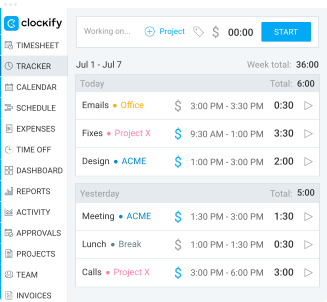
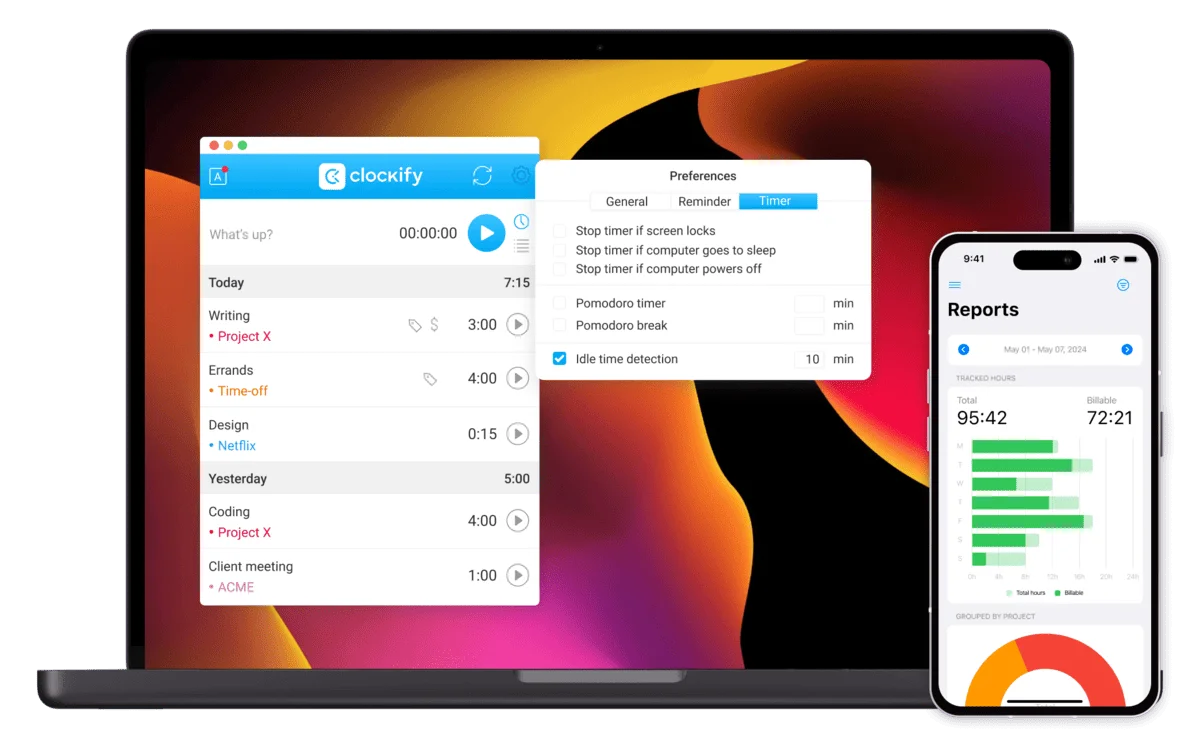
You can track time with a timer, timesheets, or add time manually. Clockify is available as a web, desktop, or mobile app.
All platforms sync automatically, which ensures data consistency across applications.
Compared to eBillity time tracker, Clockify offers a 24/7 human customer support team via email, chat, or phone. Customer support specialists are available for users on all plans.
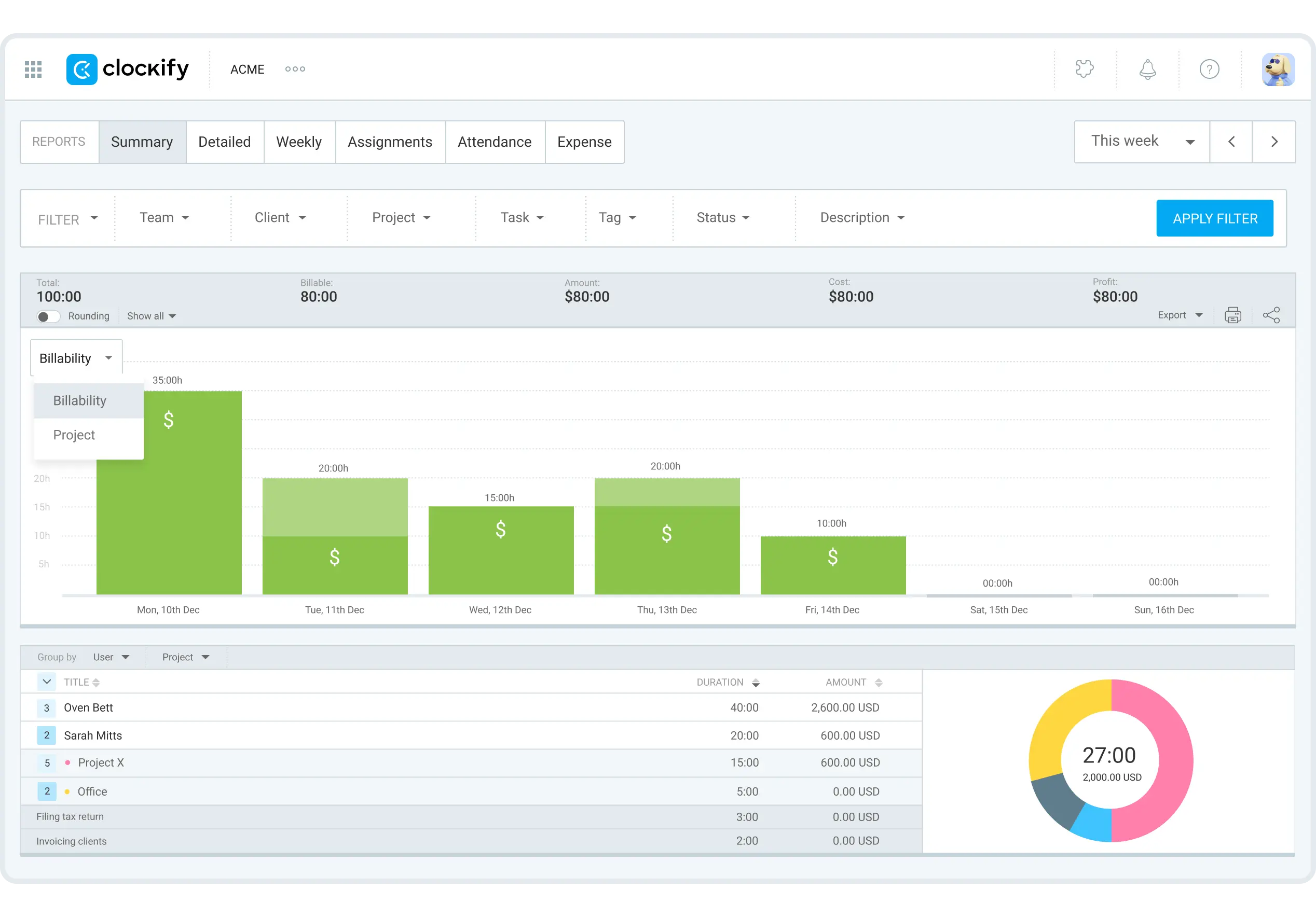
Track your hours, tasks, and projects, and then head to Reports.
With Summary reports, you can group your data by user, client, project, and other filters. This way, you’ll see who worked on what projects and clients and for how long.
Clockify allows you to export your reports as CSV, Excel, or PDF.
If you’d like more customization, check out CAKE.com Marketplace. You can create new add-ons that suit your workflow, test them, and share them with all users.
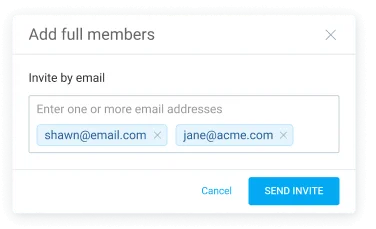
Go to the Team section and click on Add new member/Add full member to add your team members. Get 5 total users for free, and an unlimited number for just $3.99 per user.
If you’re charging by hour, you can easily track billable time with Clockify. Simply click on the dollar sign next to your time entry. Then go to Projects > Access to add cost and billable rates for each project.
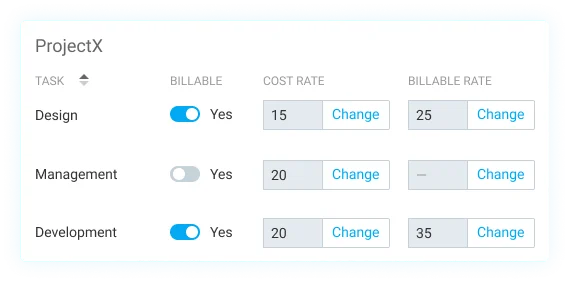
Import your billable hours to your invoices. With Clockify, you can even track invoice status.
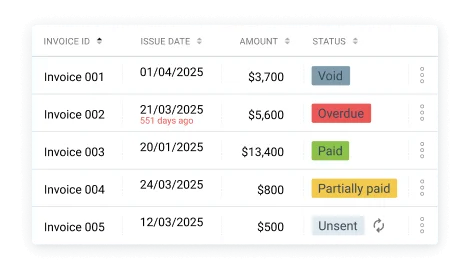
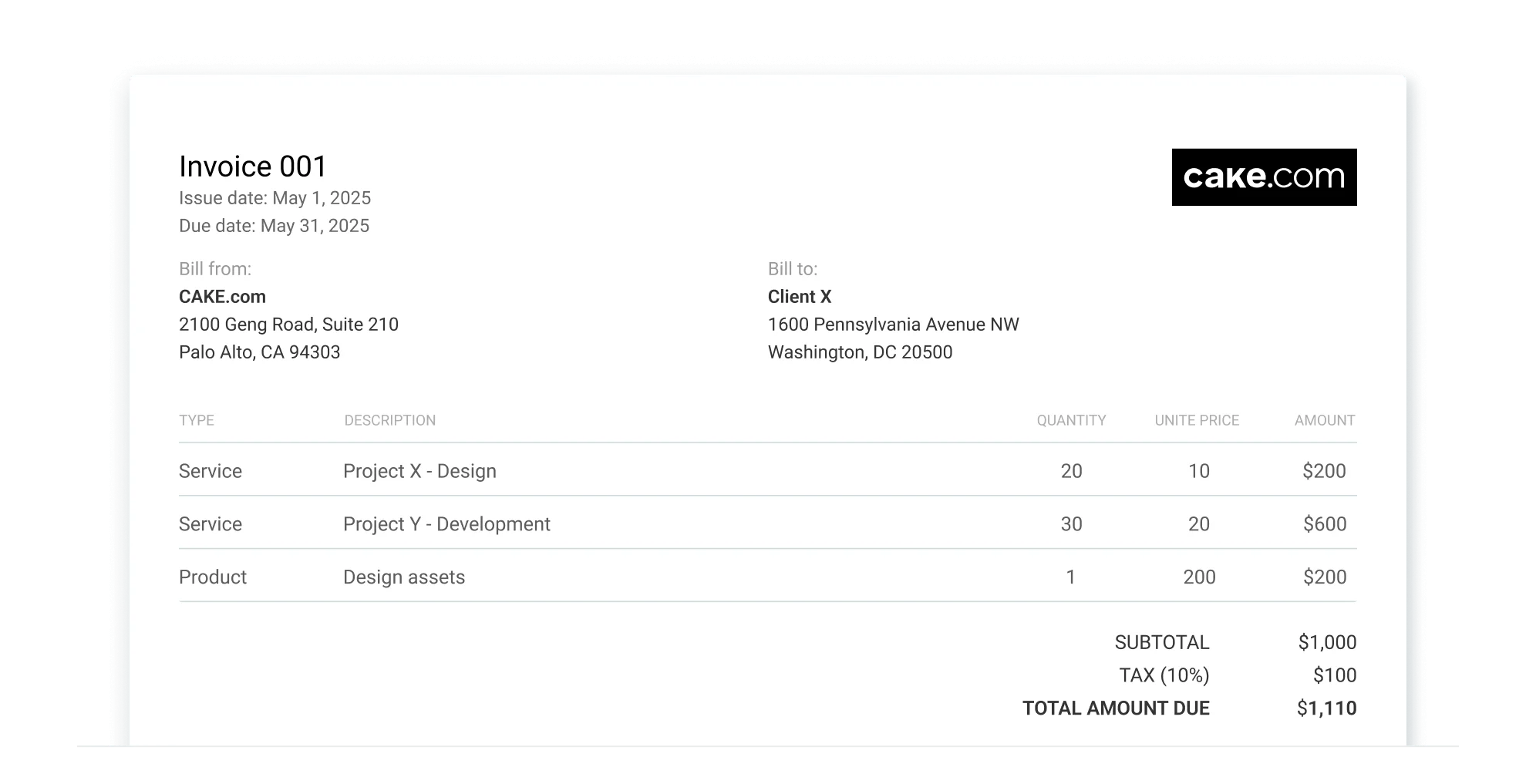
Apart from creating them, you can send your invoices to clients directly from Clockify. You can also download invoices as a PDF.

4.8 (9,073 reviews)
Organize your work and take advantage of time tracking, business communication, and project management — with the CAKE.com Bundle.
24/7 Support
•
Cancel Anytime
•
7-day Trial
