
Alex Beadon
Founder of Together We Launch
"We use Clockify to see where our time is going and how to solve any problems. It’s just so beneficial."
More stories

Find new apps that fit you team's needs
Get real-time updates on the status of your invoices
Create an invoice automatically using your tracked time in Clockify, and sync it to Xero in seconds.
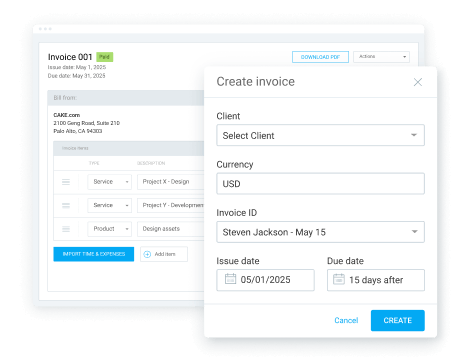
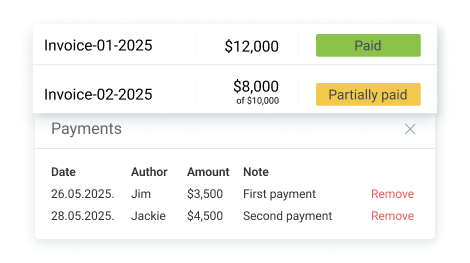
Track the status of your invoice payments in real-time, without the need to juggle 2 apps.
Sync clients across both apps with zero manual input and avoid losing invoices due to missing clients.
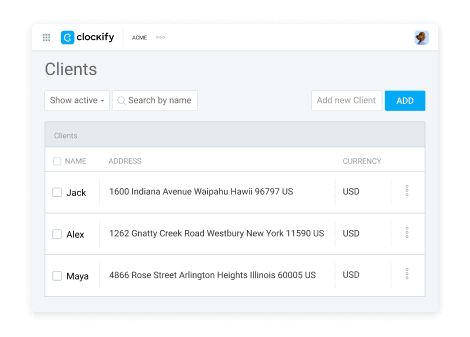
To connect these two apps, you need to have Clockify and Xero accounts.
Invite users so your entire team can track time and fill timesheets. You can have up to 5 users total in the free plan, and unlimited users in paid subscriptions.
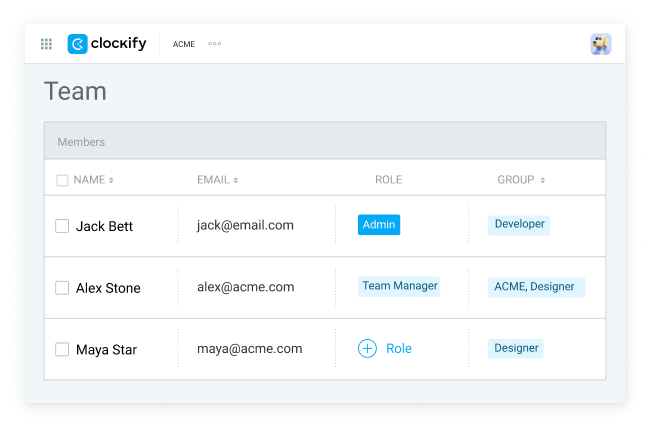
Go to Settings > Integrations, connect your Xero account, and allow Clockify to send time.
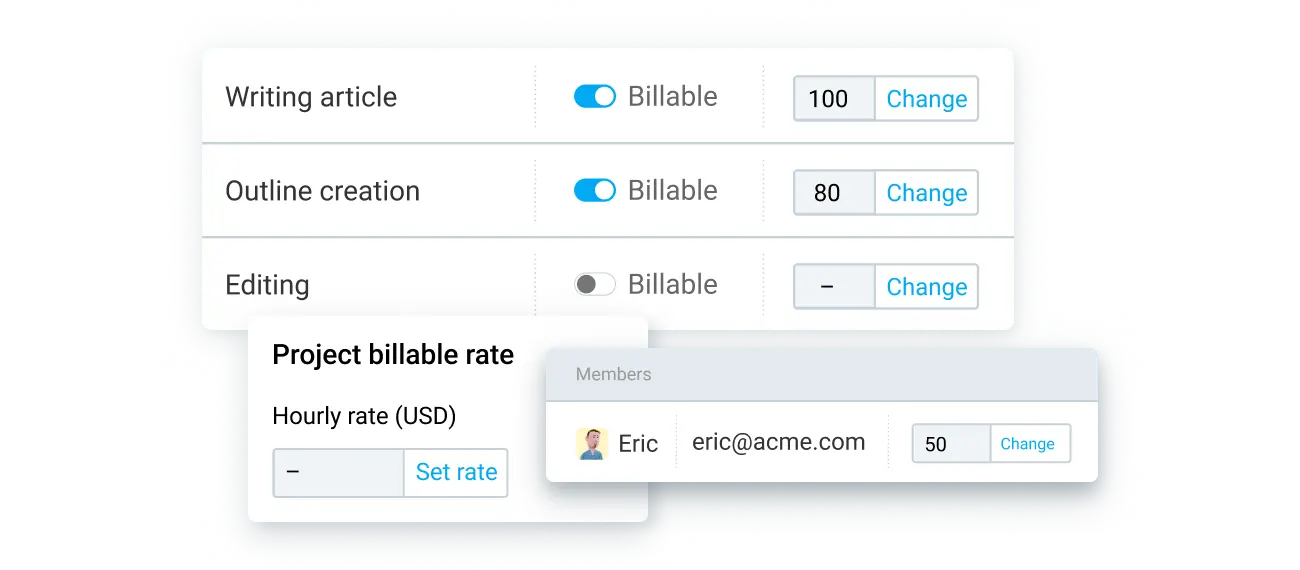
Create hourly rates for your team members, projects, or tasks to easily calculate how to charge for your time.
Track time using a timer, or manually input time with a timesheet (via web, mobile, or desktop app).
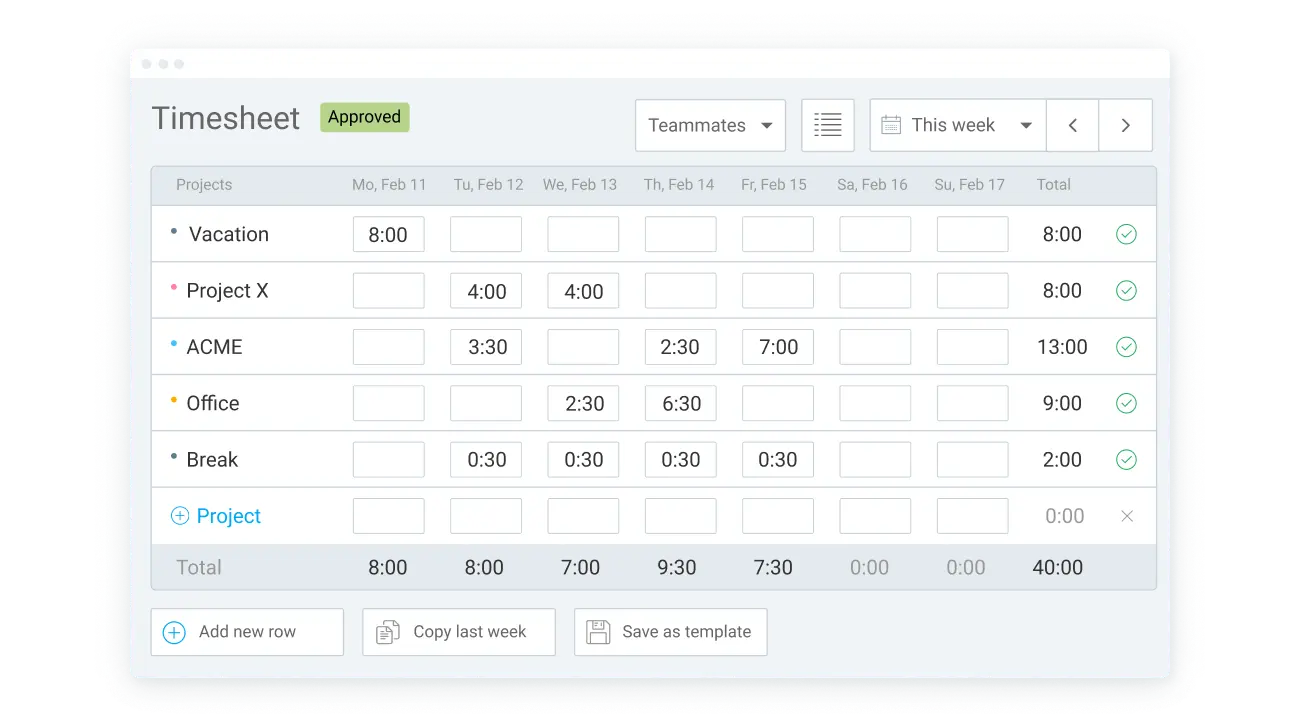
Use time tracking results to create an invoice in Clockify — either manually, or automatically from a report.
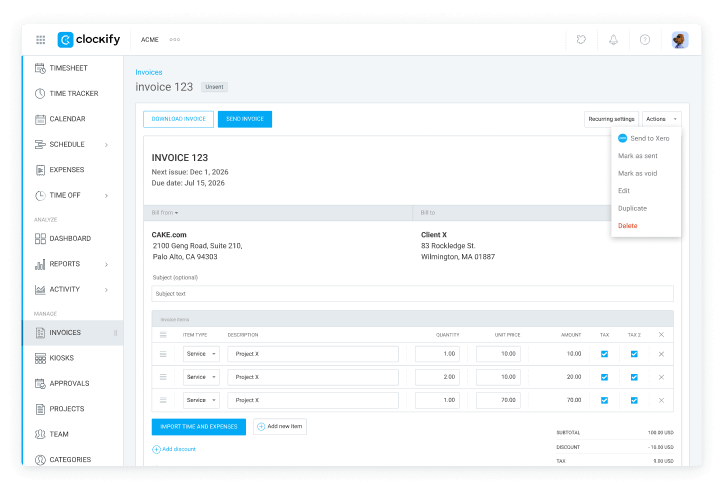
Then, simply go to the “invoices” page in Clockify, select the three dots next to an invoice, and choose “send to Xero”.
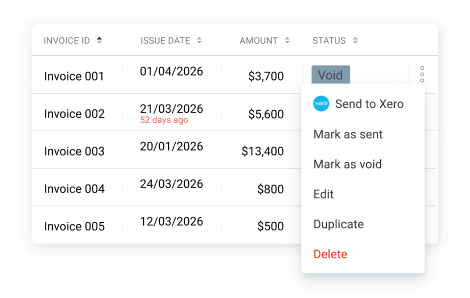
Now, your invoices have a 2-way sync.
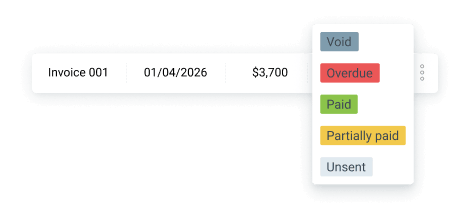
Every time you receive a payment in Xero, it’ll automatically be displayed in your Clockify invoices tab (either as paid or partially paid).
Check out our Help Center for more information.