
Alex Beadon
Founder of Together We Launch
"We use Clockify to see where our time is going and how to solve any problems. It’s just so beneficial."
More stories

Find new apps that fit you team's needs
Use Cases

Without clear insight, managers struggle to set KPIs and asynchronous deliverables.

With hybrid models, in-office workers are more visible, so they get perceived as more productive.

Managers need to be on each platform their teams use to track progress and try to avoid silos.

Remote teams feel a need to join unnecessary meetings, overcommunicate, or stay overtime.
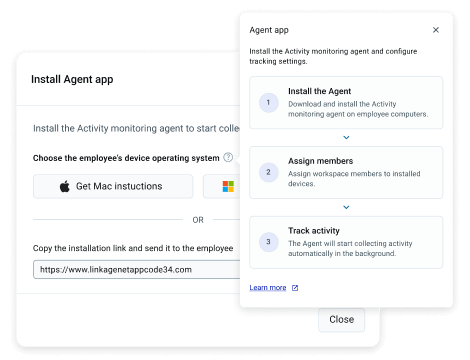
Get the Activity monitoring agent over a shared link or download file. Send it to your team members and it’ll let you track productivity without constant check-ins.
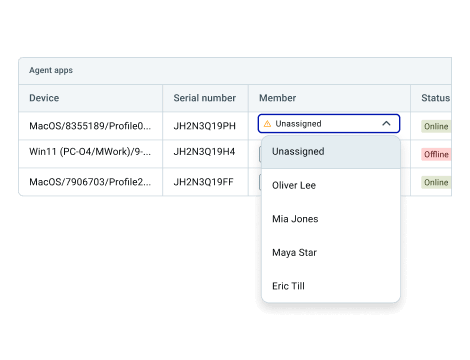
Assign members to a device, and see their activity instantly. No guesswork — get an objective view of your teams’ productivity patterns.
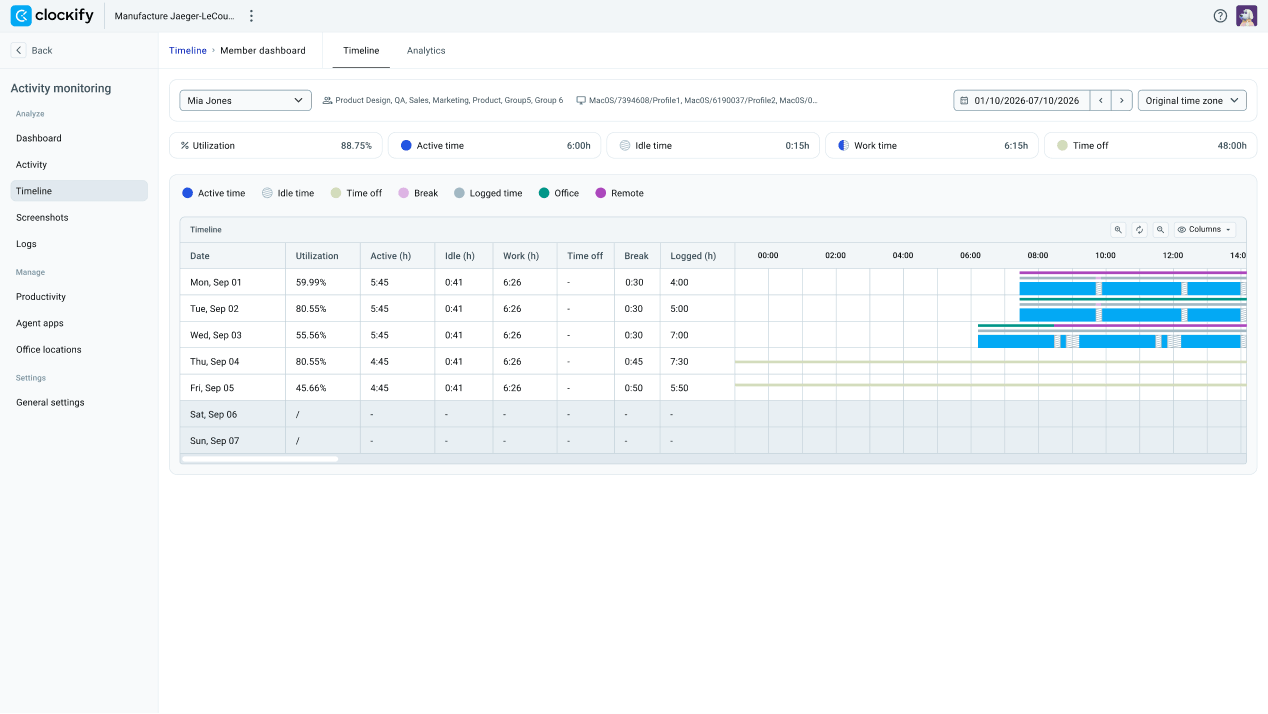
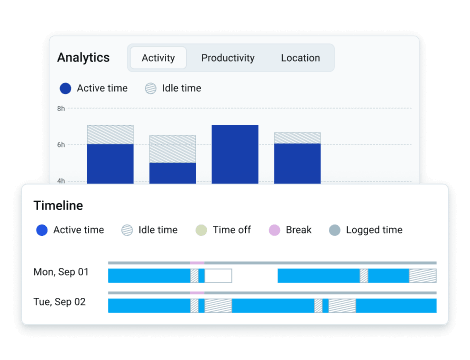
See productivity across your workspace, teams, and team members. Get an objective view of activity, and know what everyone’s working without switching tools.
Schedule work and approve time off with the same ease as a hallway pass-by conversation. Let teams request PTO and see schedules without unnecessary meetings.
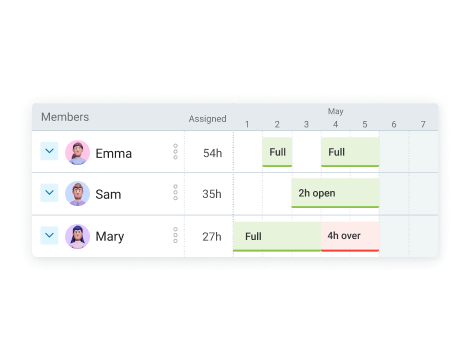
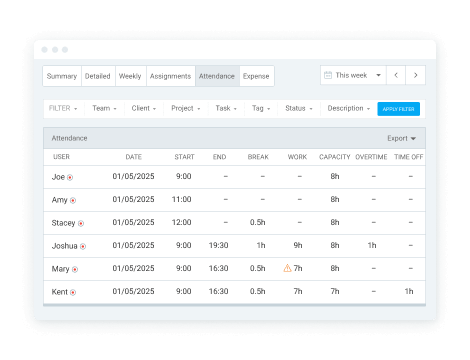
Get full visibility over work results in your remote teams. See who stayed overtime, who got distracted, and plan work distribution accordingly.
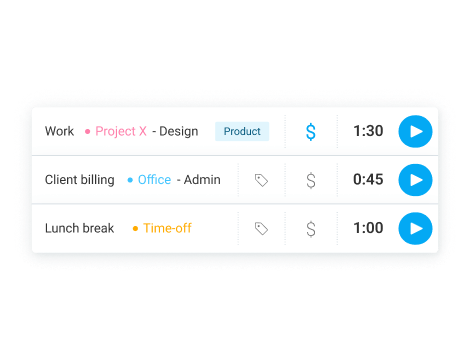
Track work with a timer, manual entries, or a timesheet.
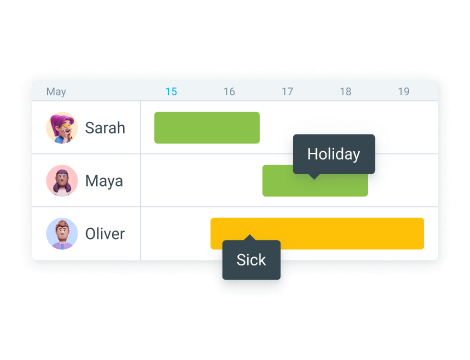
Manage, request, and approve PTO in one place.
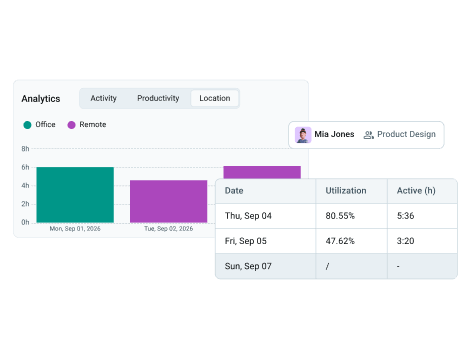
Get maximum transparency in your company with:
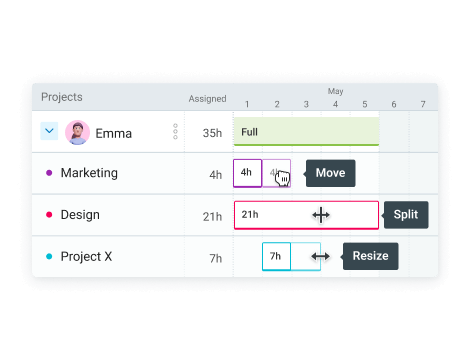
Organize and share everyone’s work with full transparency.
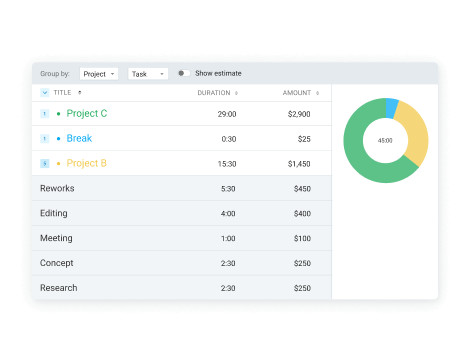
See how much everyone’s worked with clear team reports.

Spot productivity issues before they happen.

Know how resources and budget get drained.

Keep your entire enterprise safe and compliant.

Track daily employee attendance and overtime.

See where time goes and analyze costs.

Calculate payroll and employee costs.