
Alex Beadon
Founder of Together We Launch
"We use Clockify to see where our time is going and how to solve any problems. It’s just so beneficial."
More stories

Find new apps that fit you team's needs
Use Cases

Overworked team members can easily burn out, while others’ workloads stay underutilized.

Constantly sifting through apps to see progress in every team consumes too many hours.

If you can’t spot bottlenecks in real-time, they’ll quickly cause a domino effect that halts progress.

No oversight leads to departmental silos, and no way to see if a productivity initiative is working.
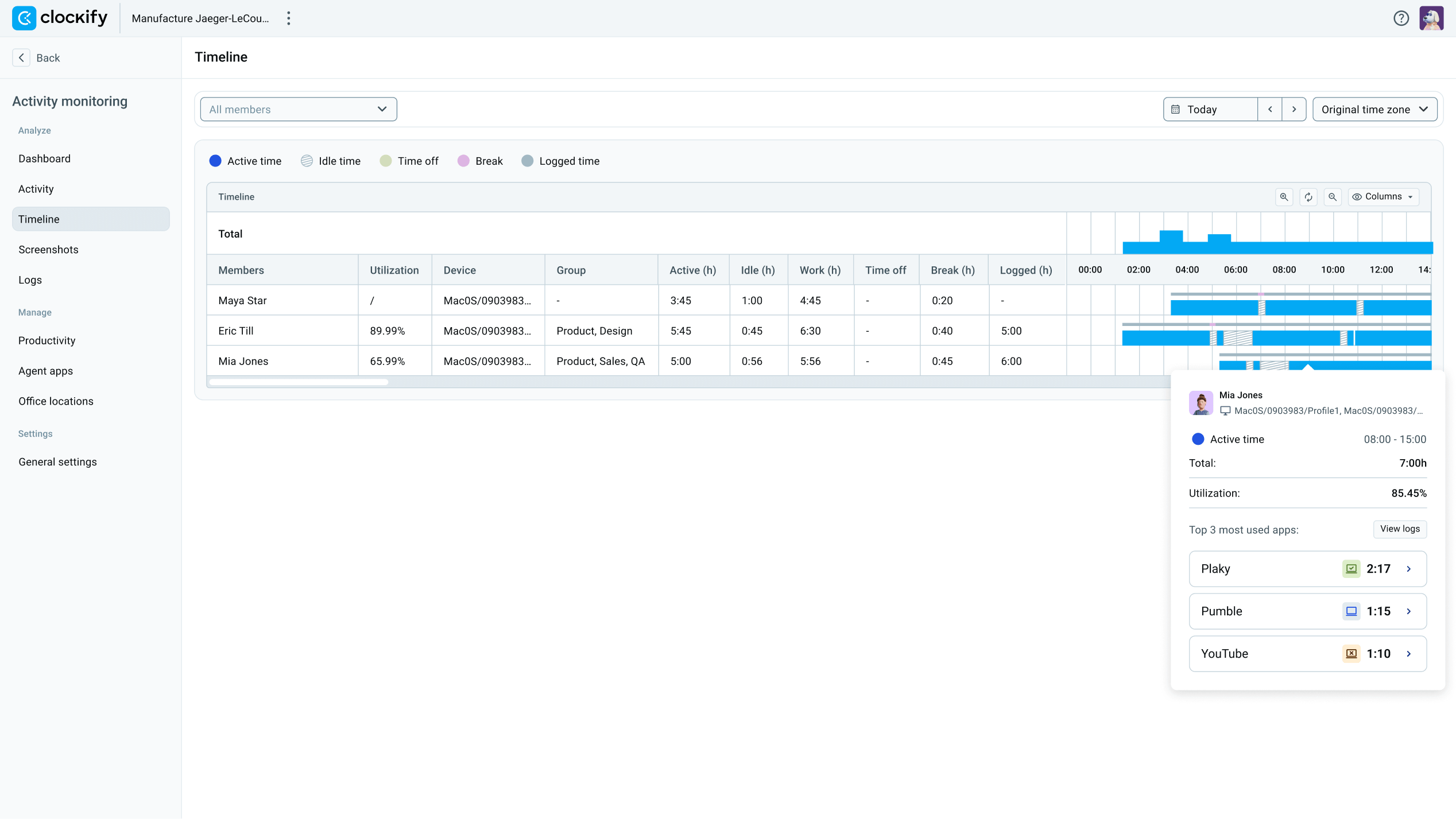
Install Clockify’s Activity monitoring agent on the devices of your team members and let it track productivity in the background.
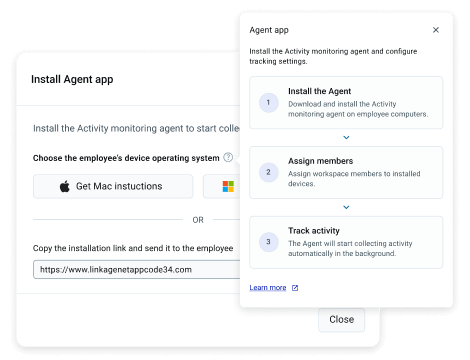
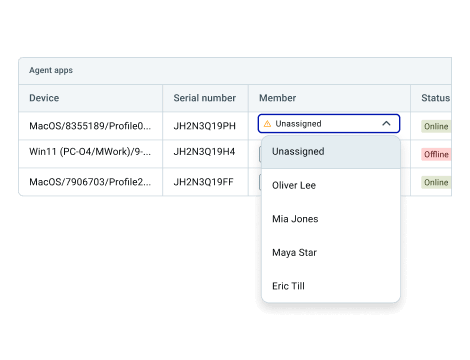
Assign members to their device where the Agent app is installed, and get an instant and objective insight into your team’s productivity.
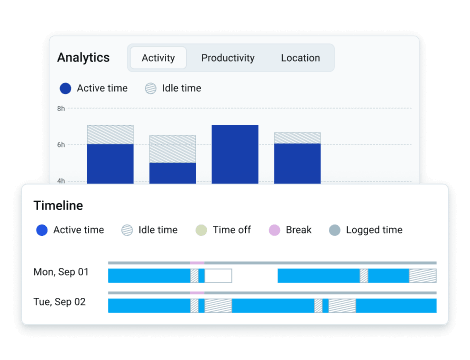
Check out who works when and on what without asking questions or doing guesswork. Let the Clockify agent run and overview results.
Prevent bottlenecks ahead of time by planning clear schedules and always knowing when you’ll be understaffed.
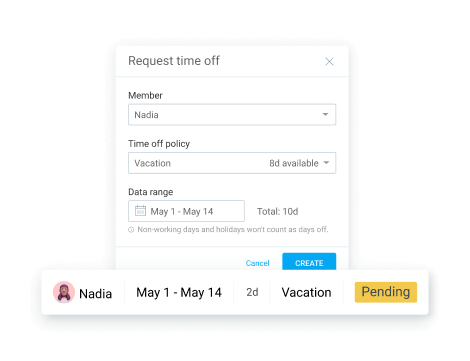
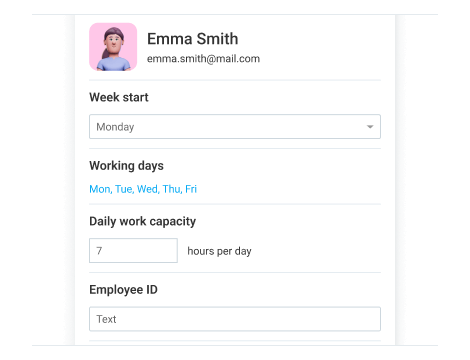
Set a standard for productivity with clear work capacity for everyone, and create reminders so everyone’s on track.
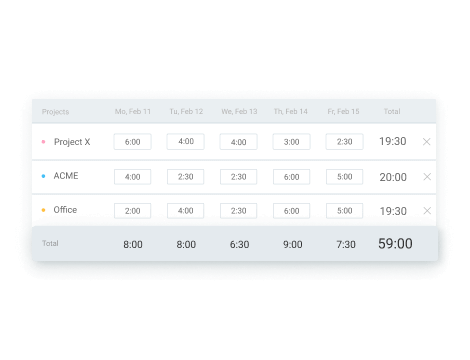
Overview your team’s schedule and time records over weeks and months.
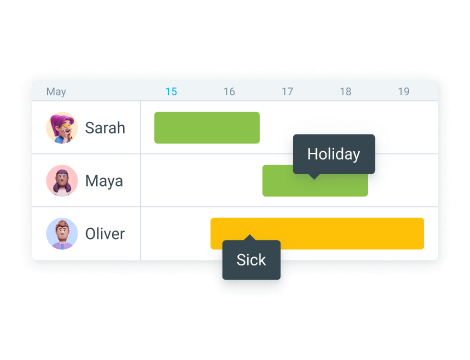
Plan your project’s timeline by keeping an eye on your team’s availability.
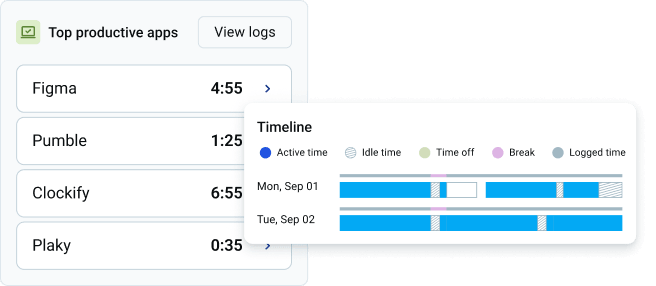
Use Clockify’s Activity monitoring agent to track:
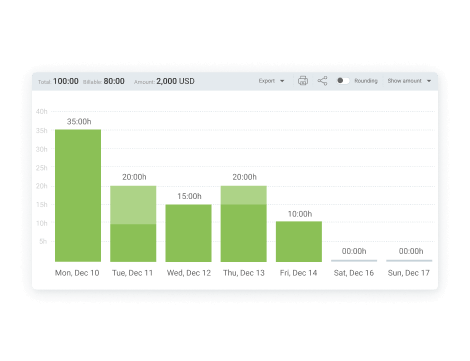
Get a deeper insight into everyone’s time and workload with team and custom reports.
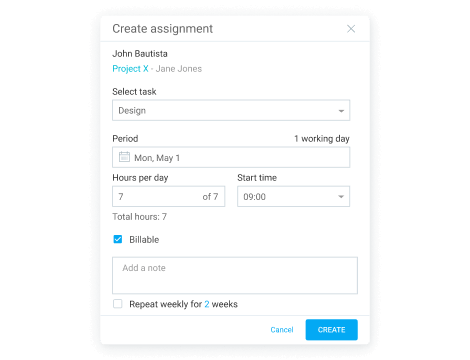
Let your team track time on specific assignments and with a clear schedule.

Complete oversight in remote teams.

Know how resources and budget get drained.

Keep your entire enterprise safe and compliant.

See where time goes and analyze costs.

Track time using a timer, clock-in kiosk, or timesheet.

Track daily employee attendance and overtime.